
Built for boards that serve
Better board
meetings start
with better
reports.
BoardHub turns monthly updates into a simple rhythm so your board spends less time chasing reports and more time moving the mission forward.
For nonprofit & community boards. Built around your month.

01 /A better rhythm
Your board is busy.
Reporting should
be simple.
Careers. Families. Community. Your board members have enough to do. Give them one clear way to contribute, and keep the month moving.
- 01
Set up
your board.Your organization, board positions, and twelve reporting months—ready in one place.
- 02
Share one
simple link.Board members can send a monthly update without creating an account.
- 03
Walk in
prepared.Know what is in, see what needs attention, and open Meeting View.
02 /For every board member
No account.
No chasing.
Just the
report.
Because reporting shouldn’t
be another project.
Open your board’s link. Choose the month. Answer a few clear questions. Submit. Nothing to report? There’s a simple way to say that, too.
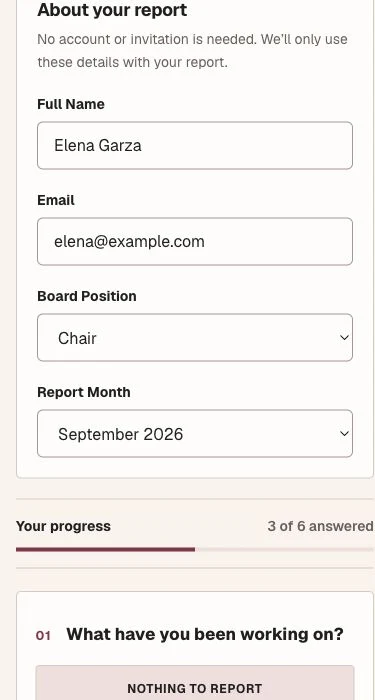
Your board’s form. Any device. No workspace account required.
03 /For secretaries
Stop chasing
reports.
Know what’s in before
the meeting starts.
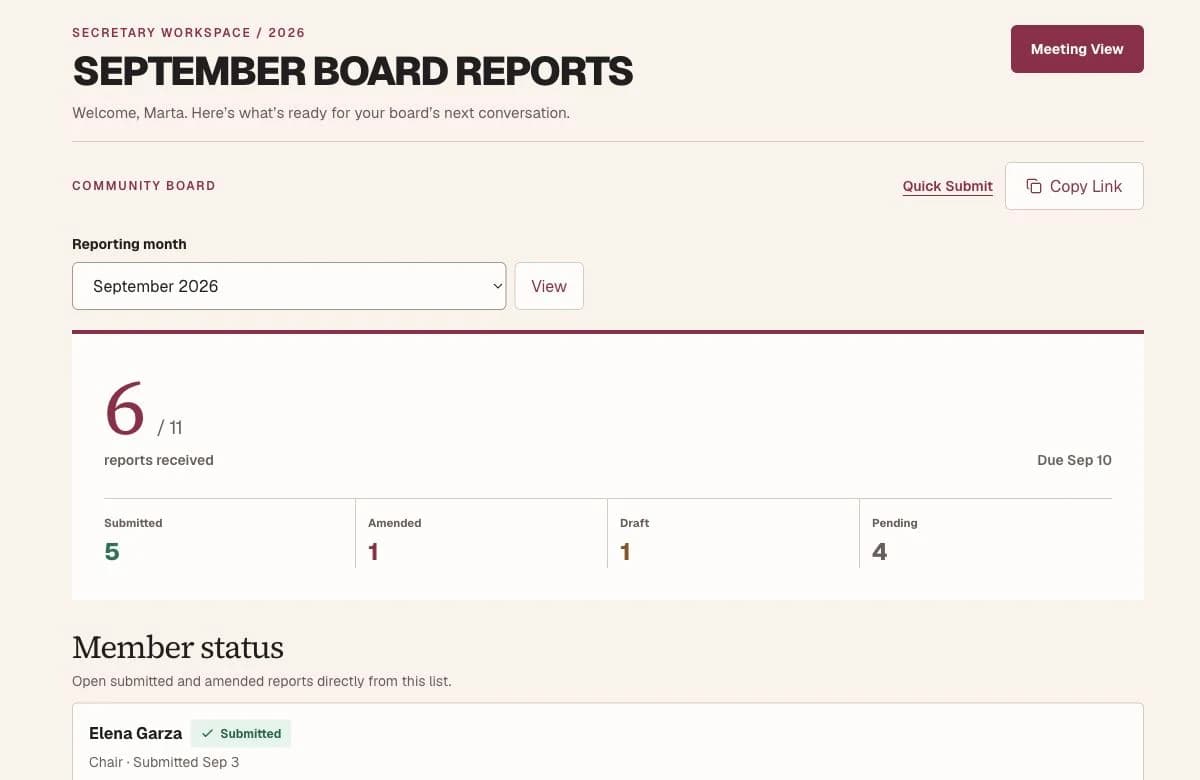
See who has submitted and who is still pending. Keep board member reports and Quick Submissions organized by month.
One clear view.
A calmer board month.
- Submitted, draft & pending
- Your board’s Quick Submit link
- Meeting View, ready to open
04 /Meeting ready
Make room for
the work that
matters.
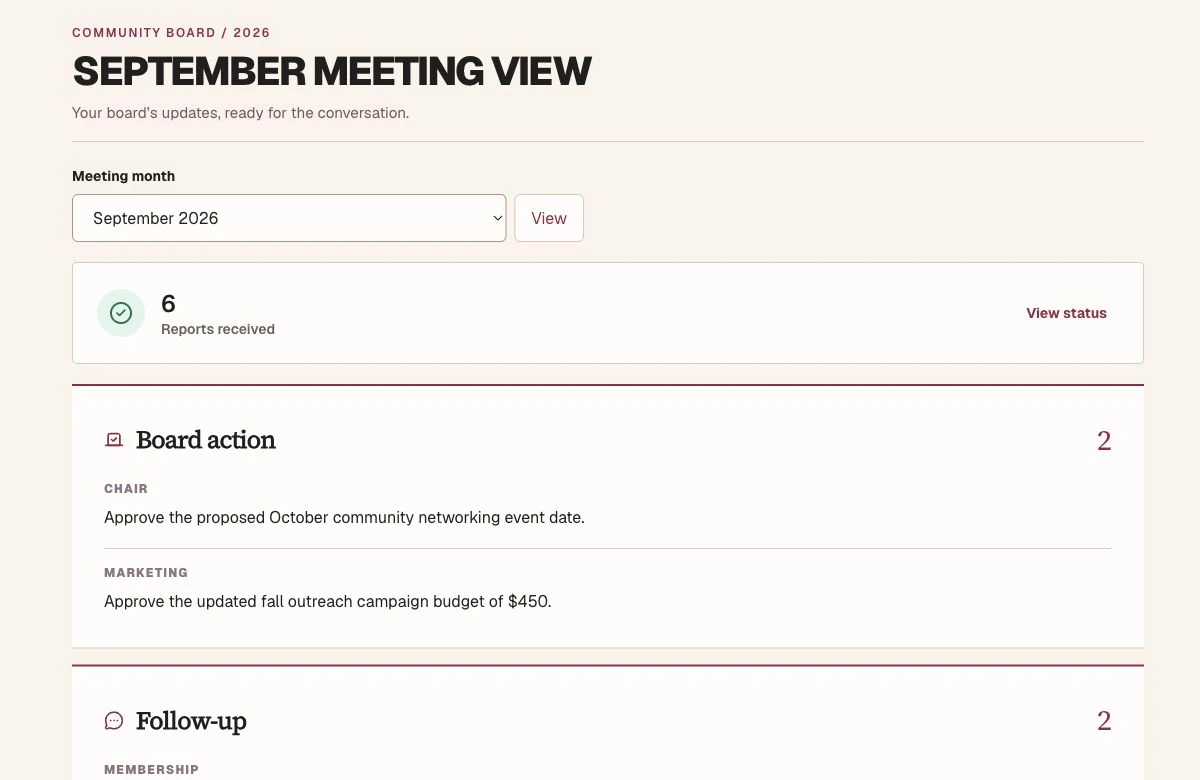
Monthly updates become a clear Meeting View: board action, follow-up, upcoming dates, recognition, and reports. Keep the history without keeping the paperwork.

05 /Private by design
Every board
has its own
front door.
Your organization’s people, reports, and history stay in the right workspace. A public report link opens only what a contributor needs.
Organization-level access
A private home for your board and its work.
Role-aware workspaces
The right tools for members and board officers.
Private report history
Reports stay with the organization they belong to.
Verified account ownership
Account verification before a workspace is created.
06 /Your next board month
Ready for a calmer rhythm?
Give your board
one organized
home.
One place to report, prepare, and move the mission forward.
Start your boardSet up your board. Invite people when you’re ready.